








Generator
Historia
Generátor planów AI
Wijzigingshulpmiddel
Model
Basis
Przełącz
Pokoje
sypialnia
-
2
+
łazienka
-
1
+
Kuchnia
otwarty
zamknięty
Powierzchnia brutto
Jednostka Metryka
 imperial
Metryka imperialArea
< 50㎡
50-80㎡
80-100㎡
100-120㎡
120-150㎡
> 150㎡
Dodatki
walk-in closet
laundry room
storage room
utility room
home office
garage
pantry
combined living-dining
balcony

Design Your Dream Home with Our AI Floor Plan Generator: The Ultimate App to Create Your Own Floor Plan
Tired of complicated CAD software? Ideal House introduces the revolutionary AI Floor Plan Generator, the ultimate app to create your own floor plan with unparalleled ease and speed. Whether you're a homeowner, designer, or real estate professional, our intuitive platform transforms your vision into a stunning 2D floor plan in seconds. Say goodbye to guesswork and hello to precision with this powerful floor plan creator.
Generate My Floor Plan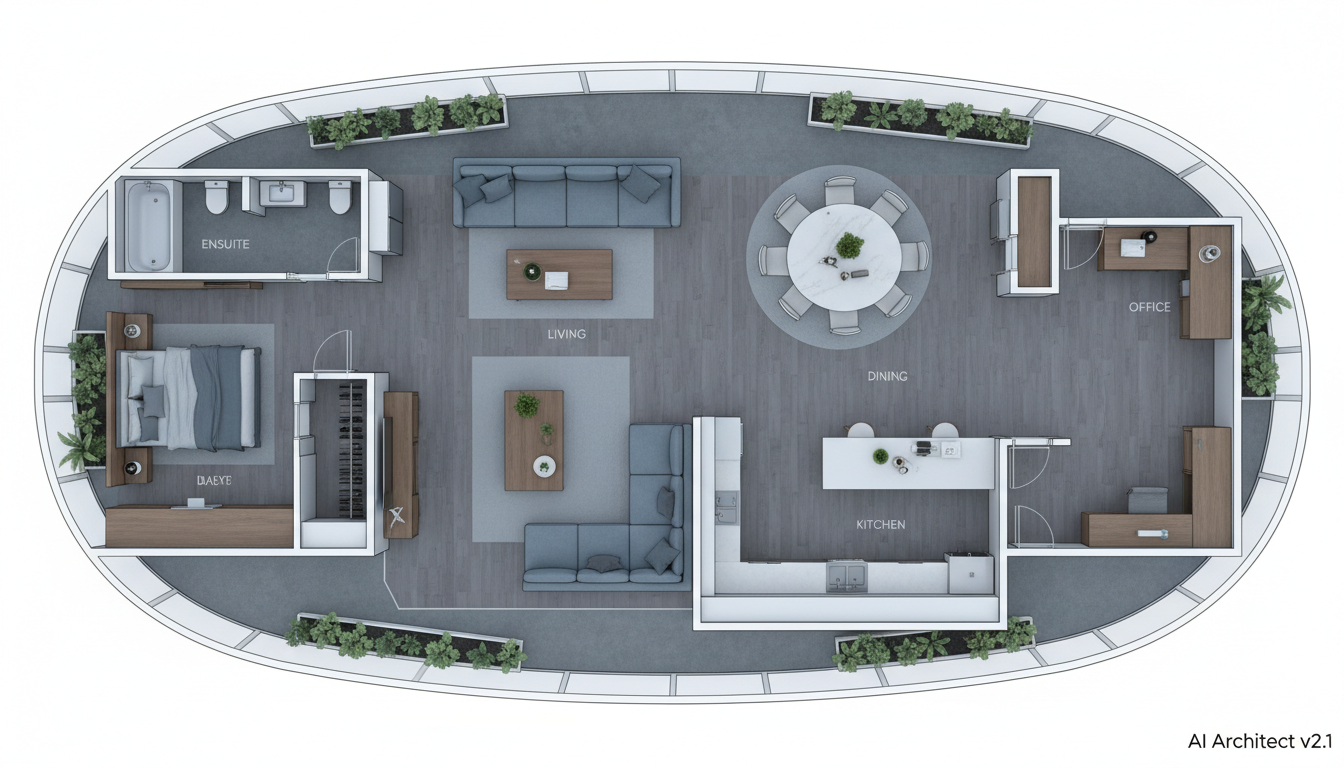


Why Ideal House is the Best App to Create Your Own Floor Plan
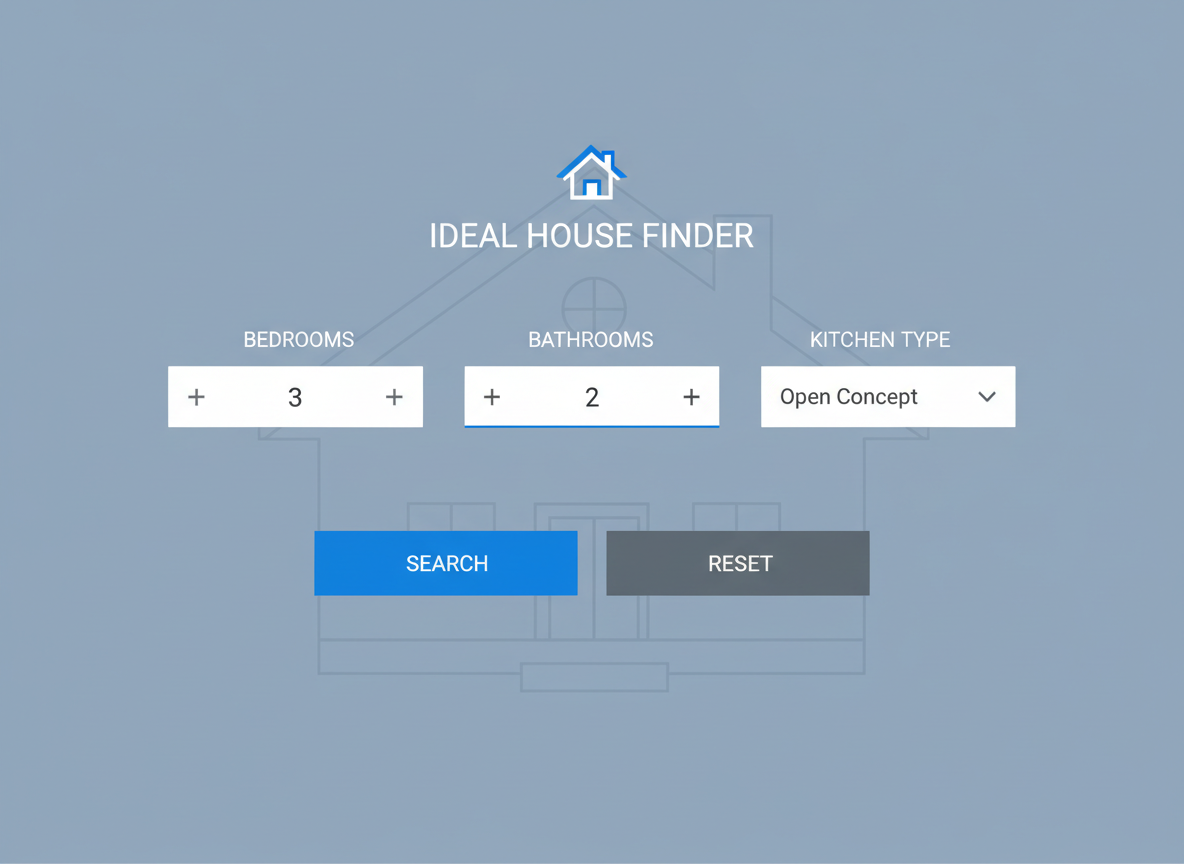
Instant 2D Floor Plans from Simple Inputs
Our AI Floor Plan Generator redefines efficiency. Just input your desired number of bedrooms and bathrooms, kitchen style (open or closed), gross area range, and a selection of extras like a walk-in closet or home office. In moments, our advanced AI transforms these parameters into a crisp, professional 2D floor plan. It's the fastest way to get a virtual floor plan for any project, making it the perfect app to create your own floor plan without drawing.
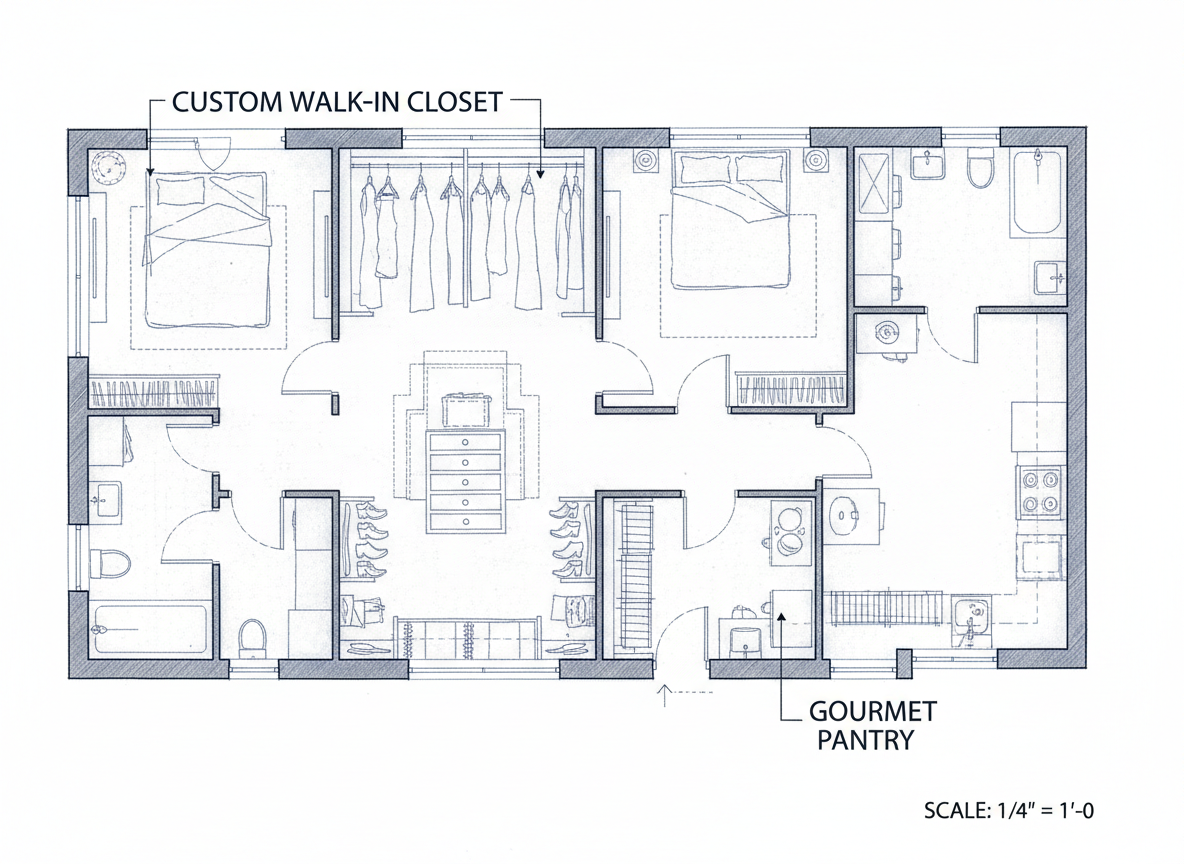
Unleash Creativity with Smart Customization
Beyond basic layouts, our house plan generator lets you add critical 'extras' that truly shape your space. Want a pantry next to the kitchen or a combined living-dining area? Our AI understands these nuanced requests, integrating them intelligently into your custom floor plan. This level of detail makes Ideal House an indispensable room planner app for personalized home design.
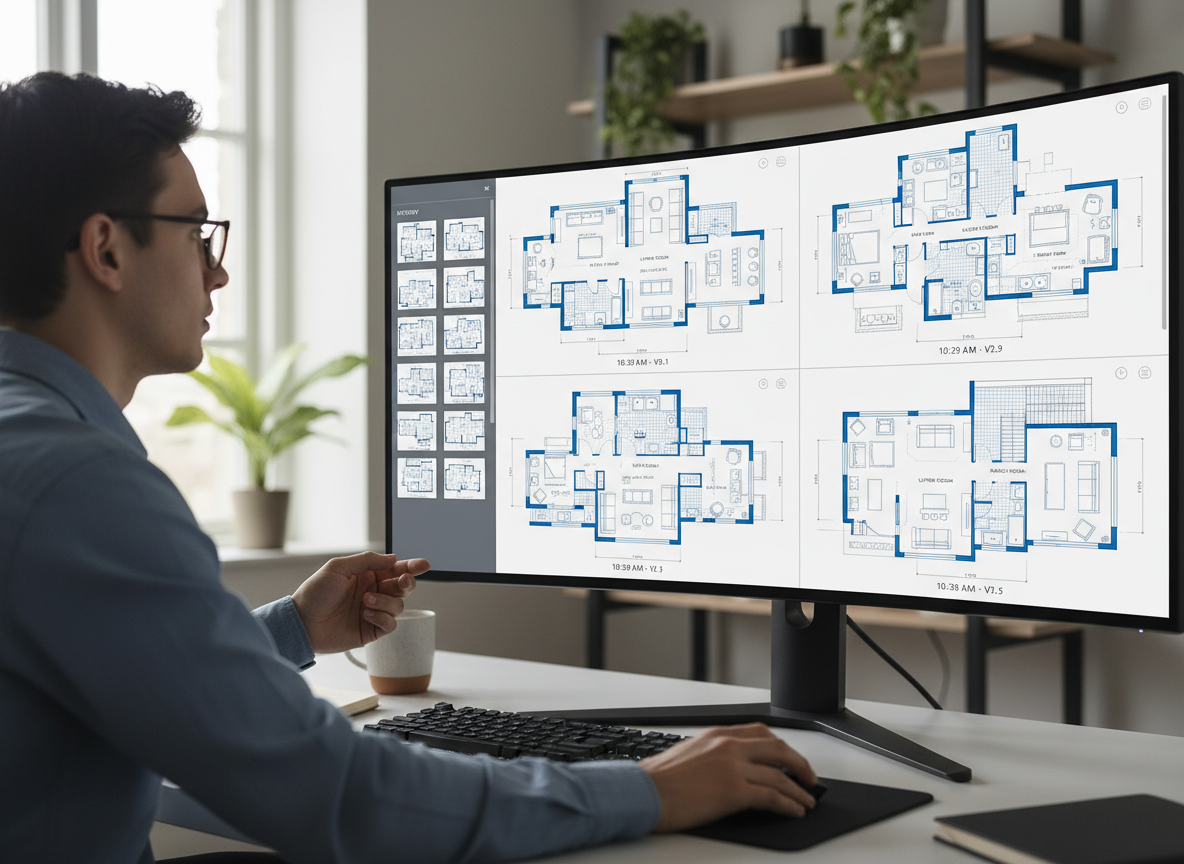
Streamlined Workflow for Professionals and Enthusiasts Alike
From interior designers needing a quick apartment layout creator to real estate agents showcasing potential, our tool streamlines your process. Generate multiple versions, compare them in your 'Generation History,' and easily export high-quality images or PDFs. This digital floor plan solution significantly reduces design time, allowing you to focus on client engagement and project execution. It's truly a versatile app to create your own floor plan.
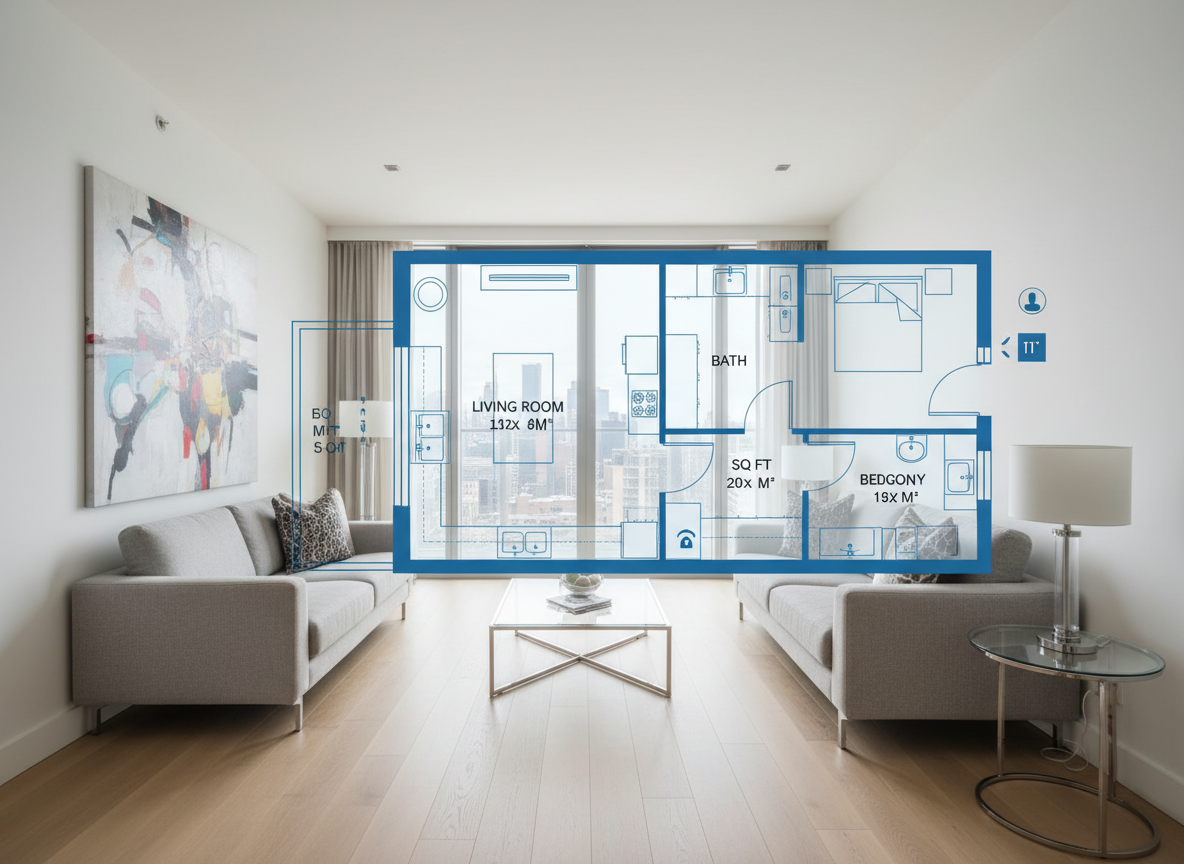
Enhance Listings and Client Presentations
In the competitive North American market, clear visuals are key. Use our AI Floor Plan Generator to create consistent, attractive 2D floor plans that instantly convey space and flow to potential buyers or tenants. Providing a professional house layout planner view increases engagement and accelerates decision-making, offering a significant ROI for your property listings. Get started with the easiest app to create your own floor plan today.

Who Benefits from This Floor Plan Creator?

**Homeowners & DIY Planners:** Visualize home renovations, additions, or new builds by trying different bedroom/bathroom counts and kitchen styles. It’s the easiest app to create your own floor plan without complex software.

**Interior Designers & Decorators:** Quickly generate conceptual apartment floor plan layouts for clients, iterate live, and streamline your initial design phase with this powerful room layout creator.

**Real Estate & Rental Agents:** Create simple, professional 2D real estate floor plans for listings, helping buyers visualize the property's potential and improving marketing efforts.

How to Use the Ideal House App to Create Your Own Floor Plan
1
**Set Your Rooms:** Begin by selecting the desired number of Bedrooms (0-4) and Bathrooms (1-3) for your ideal layout.
2
**Choose Kitchen Style:** Decide if you prefer an open or closed kitchen concept, which significantly impacts the living area's flow.
3
**Define Gross Area:** Pick a gross area range that aligns with your target size, ensuring proportionate rooms and hallways.
4
**Add Key Extras:** Multi-select features like a walk-in closet, laundry room, home office, garage, or balcony to customize your space.
5
**Generate & Review:** Click 'Generate' to instantly produce your 2D floor plan. Review results and tweak parameters to compare versions.
6
**Download & Share:** Export your preferred plan as an image or PDF, ready to share with clients, contractors, or on property listings.
Frequently Asked Questions About Our AI Floor Plan Generator
How does the AI turn my selections into a floor plan?
Our AI floor plan generator interprets your inputs—beds, baths, kitchen type, gross area, and extras—and applies architectural intelligence. It understands common adjacency and circulation rules to draft a clear, functional 2D floor plan. Each generation creates a fresh concept you can refine, making it an intelligent house plan generator.
What are the available ranges and default settings?
You can select 0–4 Bedrooms (default 2), 1–3 Bathrooms (default 1), and choose between an open or closed Kitchen (default open). Gross Area ranges are flexible, and Extras are multi-selectable to give you complete control over your home design software experience.
What does 'Gross Area' influence in the layout?
The Gross Area band is crucial for guiding the overall scale and proportion of your space. Selecting the closest range ensures that rooms and corridors feel appropriate for that footprint, leading to the most believable and practical virtual floor plan results.
How does 'Open vs. Closed Kitchen' affect the design?
An open kitchen promotes a continuous sightline and smoother flow between living and dining areas, ideal for modern, social living. A closed kitchen, conversely, provides a defined cooking zone with clearer separation, offering more privacy and often more wall space for cabinetry. This choice is key in any room planner app.
What do the 'Extras' actually do to the floor plan?
The 'Extras' tell our AI floor plan maker which spaces to prioritize and how to integrate them. For example, a walk-in closet will typically be placed near a primary bedroom, a pantry adjacent to the kitchen, and a home office in a quieter, more private corner of the digital floor plan, optimizing space planning.
Discover More Ideal House Design Tools
HouseGPT
Ask for compelling marketing descriptions for your new Istanbul Style listing photos.

Magic Editor
Use simple text prompts to make targeted edits, such as 'make the walls white' or 'add a large plant in the corner'.
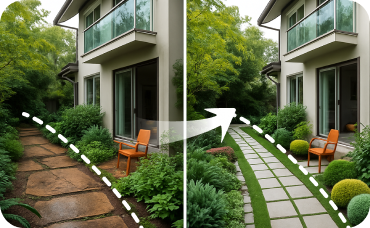
Landscaping
Improve curb appeal or showcase a beautiful garden view from the window of the new home office you just staged.
Ready to Design Your Space with the Best App to Create Your Own Floor Plan?
Stop imagining and start creating. Our AI Floor Plan Generator delivers precise, professional 2D floor plans in minutes. Experience the future of home design today.
Generate My Floor Plan
💰 Ontvang 10% commissie als affiliate-partner van Ideal House.
Sluit je aan